
Lattice-based design (caDNAno)
1. Preparing an input design file using caDNAno
In this tutorial, we will use the .json file for a 53 basepair long two-helix bundle design where three insertions and deletions exist in neighboring helix. The corresponding .json file can be downloaded here.
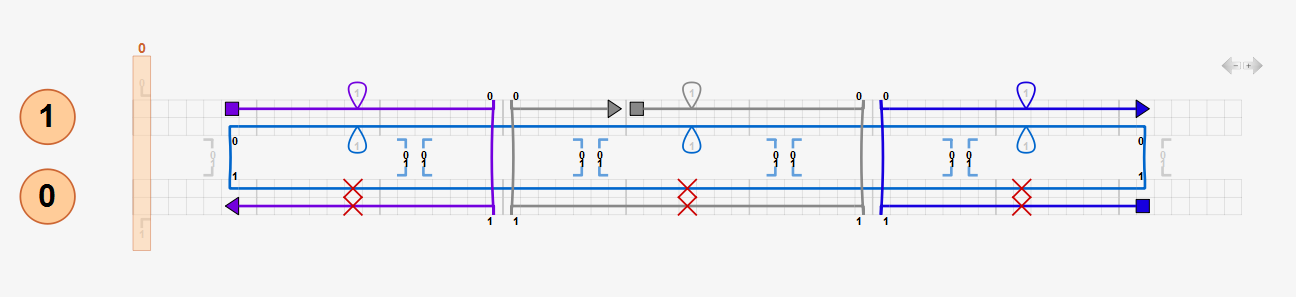
2. Preparing an input sequence file using caDNAno
Users may skip this step if they do not want an atomic model included with their results. Sequence information of the two-helix bundle is assigned using the “Add Sequence Tool” function in caDNAno. In this tutorial, we use the standard M13mp18 sequence.
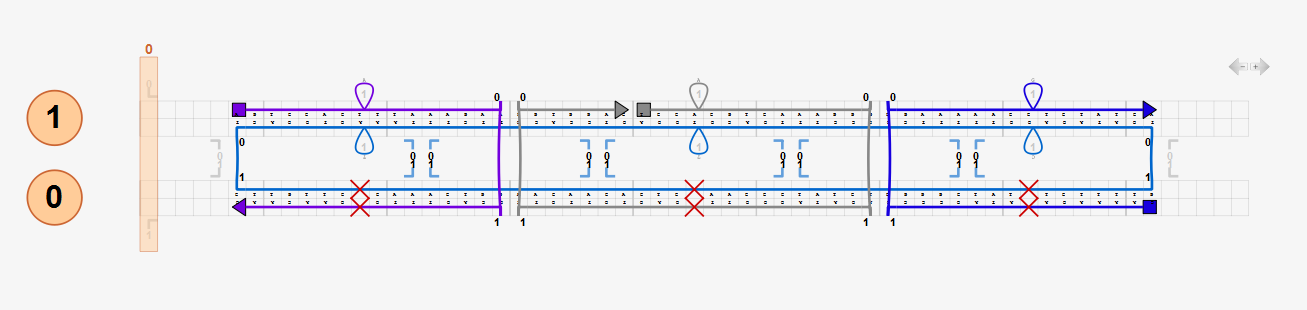
The sequence information of each staple strand is then exported in CSV format using the “export oligos as *.CSV” function in caDNAno. The corresponding .csv file can be downloaded here.
3. Filling out the submission form
a. Click the link (Submit a caDNAno file for analysis...) to expand the submission form

b. Enter user information (Name, Affiliation, and E-mail address)
User information provided will be used only for internal evaluation of the resource by counting the number of unique users and the number of unique affiliations. No other information will be stored on the server. Provided E-mail address will be used to send CanDo notifications when the analysis is queued, started, and completed. If not provided, no notification will be sent.
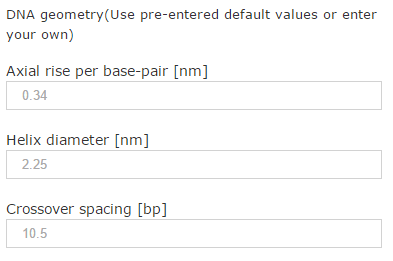
c. DNA geometry
Default values for average B-form DNA geometry are pre-entered. Alternatively, users may enter their own values.
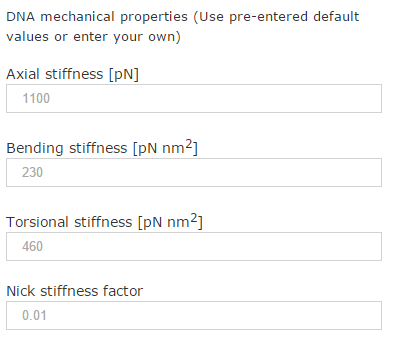
d. DNA mechanical properties
Default values for average B-form DNA mechanical properties are pre-entered. Users may enter their own values. Nicks are modeled by reducing backbone bending and torsional stiffness by a factor of 100 by default (corresponding to the default nick stiffness factor, 0.01) whereas stretching stiffness is retained at double-helix values. It is not recommended to use a nick stiffness factor less than the default value as it may result in much slower or no convergence of the analysis.
e. Model resolution
CanDo analysis is performed at the coarse model resolution by default. Users have an option to use the fine model resolution that computes the shape and flexibility at a single basepair resolution. However, the use of the coarse model is appropriate to obtain quick feedback for initial designs as it significantly reduces the computation time. Here we choose the fine resolution for purposes of this tutorial.

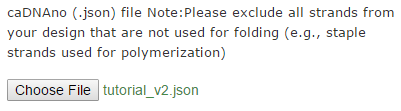
f. caDNAno (.json) file
Browse to the location of your caDNAno design file.
g. Lattice type
Users must choose the lattice type, either honeycomb or square.

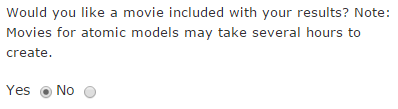
h. Choose whether movies visualizing thermal fluctuations of the solution shape will be included with the results
If choosing "Yes" in this item, CanDo will compute thermal fluctuations of the DNA nanostructure at temperature 298K and visualize the result as movies.
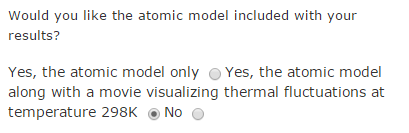
i. Choose whether the atomic model of the solution shape will be included with the results
CanDo offers a new option for users to generate an atomic model of the solution shape of DNA nanostructure. Users can choose to generate an atomic model or compute the thermal fluctuations as well. CanDo analysis must be performed at the fine model resolution to generate the atomic model. If the atomic model is to be included in the results, make sure that the fine resolution is selected in step e. If thermal fluctuations of the atomic model are to be included, users must choose "Yes" in item h.
j. (Optional) caDNAno sequence (.csv) file
Browse to the location of your caDNAno sequence file. This item does not appear if choosing "No" in step i.
4. Submitting the form
Pressing the submit button will automatically bring users to the result page.
5. Viewing the results
Once the CanDo analysis is completed, users will receive results in ZIP files attached in separate emails sent to the email address they filled in the submission form.
- Solution shape of DNA structures
Results in the BILD file format can be viewed using the UCSF Chimera. - Thermal fluctuations of solution shape
If users choose “Yes” in item “Would you like a movie included with your results?” in the submission form, users will receive a second email with a ZIP file containing movies (fluctuations_view1.avi, fluctuations_view2.avi, and fluctuations_view3.avi) showing thermal fluctuation in three orthogonal views. The structure in the movies is colored according to root-mean-square-thermal fluctuations. - Atomic model
If users choose to generate an atomic model in item “Would you like the atomic model included with your results?” in the submission form, users will receive a third email with a ZIP file containing the atomic model in PDB format as well as its images in three orthogonal views. The color of each strand in the atomic model is the same as in the caDNAno design (.json) file uploaded in the submission form. If users choose to visualize thermal fluctuations, movies in three orthogonal views are also included in the ZIP file.
Lattice-free design (Tiamat)
1. Preparing an input design file using Tiamat
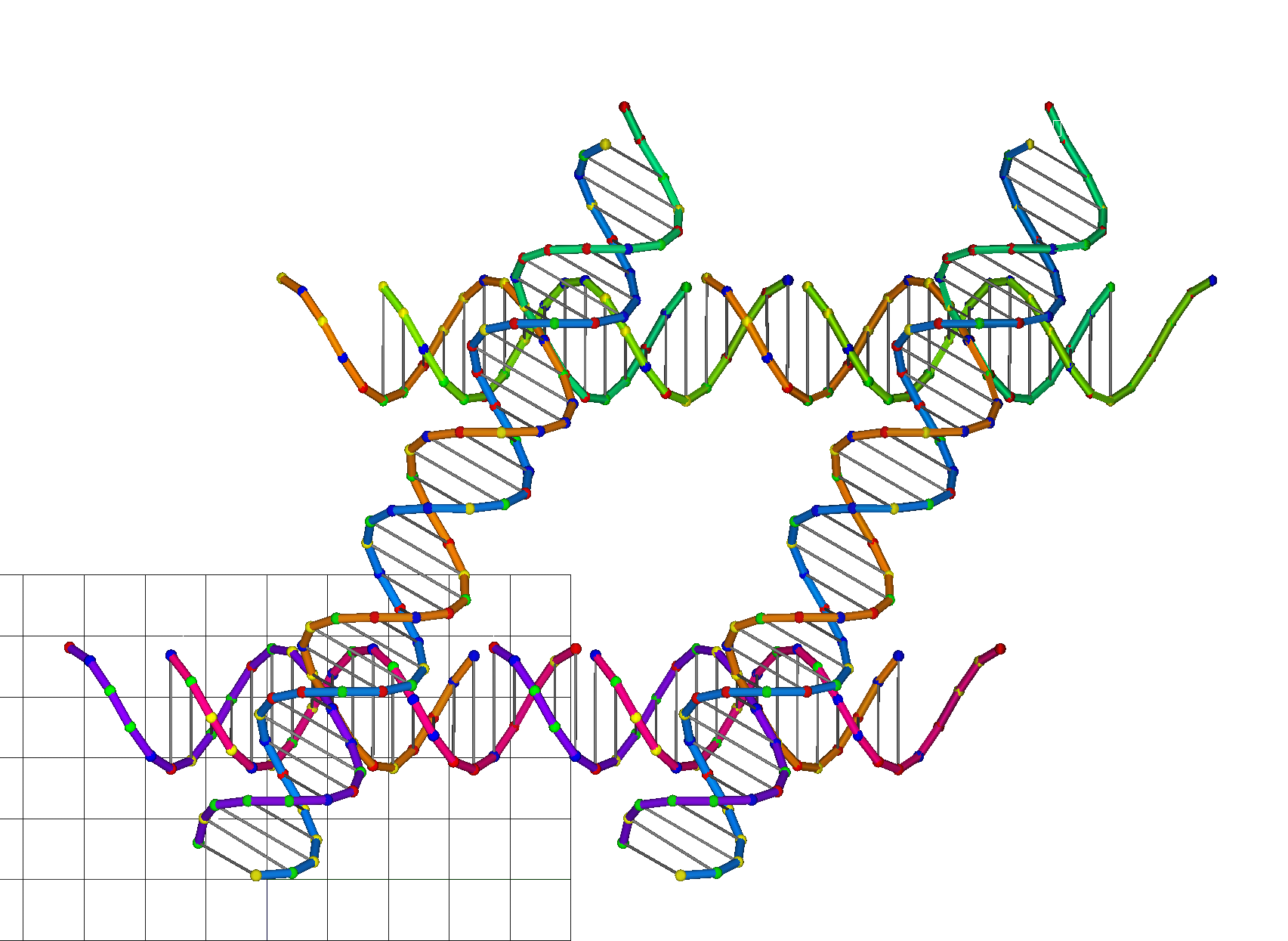
In this tutorial, we will use the .dna file for a lattice-free design consisting of four DNA junctions. The corresponding .dna file can be downloaded here.
2. Preparing an input sequence file using Tiamat
Users may skip this step if:
- They do not want an atomic model included with their results, or
- They would like to receive an atomic model with randomly generated sequences.
A nucleotide sequence may be assigned manually or automatically to each DNA strand in Tiamat. The sequence information of each staple strand is then exported in TXT format using the “File -> Export…” function in Tiamat. The corresponding .txt file can be downloaded here.
3. Locally parsing the .dna file to generate a .dat file. The zipped parser, Tiamat2dat.exe, can be downloaded here. In the Command Prompt window of a Windows platform, run the following command
echo xyz.dna | Tiamat2dat.exe
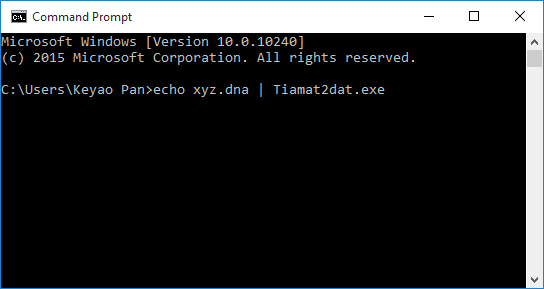
Once finished, the Command Prompt window should show the message
Terminated successfully.
In the meantime, a new file dna_ascii.dat is generated. Users may rename this .dat file.
Note. Please only use the following 63 characters A-Z, a-z, 0-9, and underscore (_) in the filename of the .dna file, such as ABCxyz_2016.dna. Spaces may not be included in the filename. For example, the command
echo ABCxyz 2016.dna | Tiamat2dat.exe
would cause the parser to generate an error message.
4. Filling out the submission form
a. Click the link (Submit a Tiamat file for analysis...) to expand the submission form

b. Enter user information (Name, Affiliation, and E-mail address)
User information provided will be used only for internal evaluation of the resource by counting the number of unique users and the number of unique affiliations. No other information will be stored on the server. Provided E-mail address will be used to send CanDo notifications when the analysis is queued, started, and completed. If not provided, no notification will be sent.
c. DNA geometry
Default values for average B-form DNA geometry are pre-entered. Alternatively, users may enter their own values.
d. DNA mechanical properties
Default values for average B-form DNA mechanical properties are pre-entered. Users may enter their own values. Nicks are modeled by reducing backbone bending and torsional stiffness by a factor of 100 by default (corresponding to the default nick stiffness factor, 0.01) whereas stretching stiffness is retained at double-helix values. It is not recommended to use a nick stiffness factor less than the default value as it may result in much slower or no convergence of the analysis.
e. Tiamat (.dna) file
f. Choose whether movies visualizing thermal fluctuations of the solution shape will be included with the results
If choosing "Yes" in this item, CanDo will compute thermal fluctuations of the DNA nanostructure at temperature 298K and visualize the result as movies.
g. Choose whether the atomic model of the solution shape will be included with the results
CanDo offers a new option for users to generate an atomic model of the solution shape of DNA nanostructure. Users can choose to generate an atomic model or compute the thermal fluctuations as well. CanDo analysis must be performed at the fine model resolution to generate the atomic model. If thermal fluctuations of the atomic model are to be included, users must choose "Yes" in item f.
h. (Optional) Tiamat sequence (.txt) file
Browse to the location of your Tiamat sequence file. This item does not appear if choosing "No" in step g.
5. Submitting the form
Pressing the submit button will automatically bring users to the result page.
6. Viewing the results
Once the CanDo analysis is completed, users will receive results in ZIP files attached in separate emails sent to the email address they filled in the submission form.
- Solution shape of DNA structures
Results in the BILD file format can be viewed using the UCSF Chimera. - Thermal fluctuations of solution shape
If users choose “Yes” in item “Would you like a movie included with your results?” in the submission form, users will receive a second email with a ZIP file containing movies (fluctuations_view1.avi, fluctuations_view2.avi, and fluctuations_view3.avi) showing thermal fluctuation in three orthogonal views. The structure in the movies is colored according to root-mean-square-thermal fluctuations. - Atomic model
If users choose to generate an atomic model in item “Would you like the atomic model included with your results?” in the submission form, users will receive a third email with a ZIP file containing the atomic model in PDB format as well as its images in three orthogonal views. The color of each strand in the atomic model is the same as in the design (.dat) file uploaded in the submission form. If users choose to visualize thermal fluctuations, movies in three orthogonal views are also included in the ZIP file.